Picture this: Your mom finally agrees to try that smart home device you’ve been talking about for months. You set it up, show her how to use it, and leave feeling pretty good about yourself. Then, a week later, she calls to say it’s “too confusing” and she’s unplugged it.
Sound familiar? You’re definitely not alone.
The thing is, most smart devices aren’t designed with seniors in mind. They’re built by twenty-something engineers who assume everyone thinks like they do. But when you’re helping an aging parent navigate technology, you need devices that actually work for people who didn’t grow up with smartphones.
So what separates the truly senior-friendly devices from the ones that end up gathering dust? It comes down to three key things: voice control that actually works, physical buttons you can see and feel, and screens that make sense. Let’s break down what really matters.
Why Voice Control Changes Everything
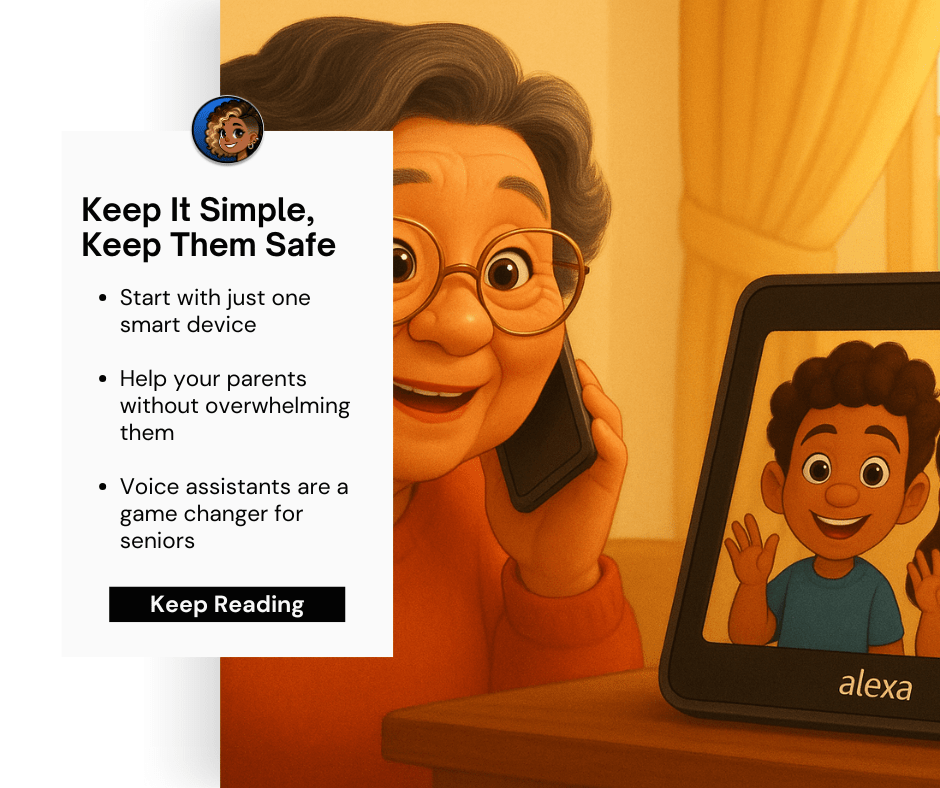
Voice assistants aren’t just trendy, they’re genuinely life-changing for older adults. Think about it: instead of fumbling with tiny app icons or trying to remember which button does what, your parent can just say what they need out loud.
“Alexa, remind me to take my blood pressure medication at 9 AM.”
“Hey Google, what’s the weather like today?”
“Alexa, call Sarah.”
No squinting at screens, no hunting for the right app, no accidentally hitting the wrong thing. Just plain English conversation with a device that actually listens and responds.

But here’s what makes voice control truly senior-friendly: it eliminates the fear factor. Many older adults worry about “breaking” technology or doing something wrong. Voice commands feel more natural and forgiving. If Mom says “turn on the lights” instead of “turn on the living room lights,” most good voice assistants are smart enough to figure it out.
The emotional benefits are huge too. Research shows that 85% of studies link voice assistant use to reduced loneliness in seniors. Many older adults start thinking of their voice assistant as a companion: someone who’s always there to chat, answer questions, or just provide a bit of company during quiet moments.
The Power of Physical Design That Makes Sense
While voice control handles the heavy lifting, the physical design of smart devices matters just as much. This is where “big buttons and simple screens” really shine.
Buttons You Can Actually Use
The best senior-friendly devices have buttons that are:
- Large enough to press confidently (at least the size of a quarter)
- Raised or textured so you can feel them
- Clearly labeled with large, high-contrast text
- Spaced far enough apart to avoid accidental presses
Think about the difference between trying to tap a tiny icon on a smartphone versus pressing a clearly marked button on a well-designed device. For someone with arthritis, tremors, or just age-related changes in dexterity, those physical buttons can mean the difference between independence and frustration.
Screens That Actually Help
When devices do have screens, the senior-friendly ones follow some basic rules:
- Text is large and easy to read (think newspaper headlines, not fine print)
- High contrast between text and background
- Simple, uncluttered layouts
- Clear icons that actually look like what they represent

One of the biggest mistakes device makers make is cramming too much information onto a small screen. The best senior-friendly devices show one thing at a time, use plenty of white space, and make everything big enough to see from a comfortable distance.
Setup and Learning: Making It Stick
Even the most user-friendly device won’t help if your parent can’t figure out how to use it consistently. This is where the “set it and forget it” principle becomes crucial.
Start Simple, Build Slowly
The most successful approach? Set up devices together with your parent, starting with just one or two basic commands. Maybe it’s checking the weather and setting medication reminders. Once those become routine, you can gradually add more features.
Don’t try to explain every possible feature on day one. That’s overwhelming for anyone, especially someone who’s already feeling uncertain about new technology.
Clear Audio Feedback
Senior-friendly devices provide clear confirmation when they’re listening and responding. This might seem minor, but it’s huge for building confidence. When Mom hears that little chime that means “I’m listening” and then gets a clear response, she knows the device is working properly.
Many devices also let you customize the voice: male or female, different accents, even adjusting the speaking speed. These small tweaks can make a big difference in comprehension and comfort.
Integration That Just Works
Here’s where smart home technology really shines for seniors: when everything works together seamlessly. Instead of having separate apps for lights, thermostat, and security system, voice control can manage it all.
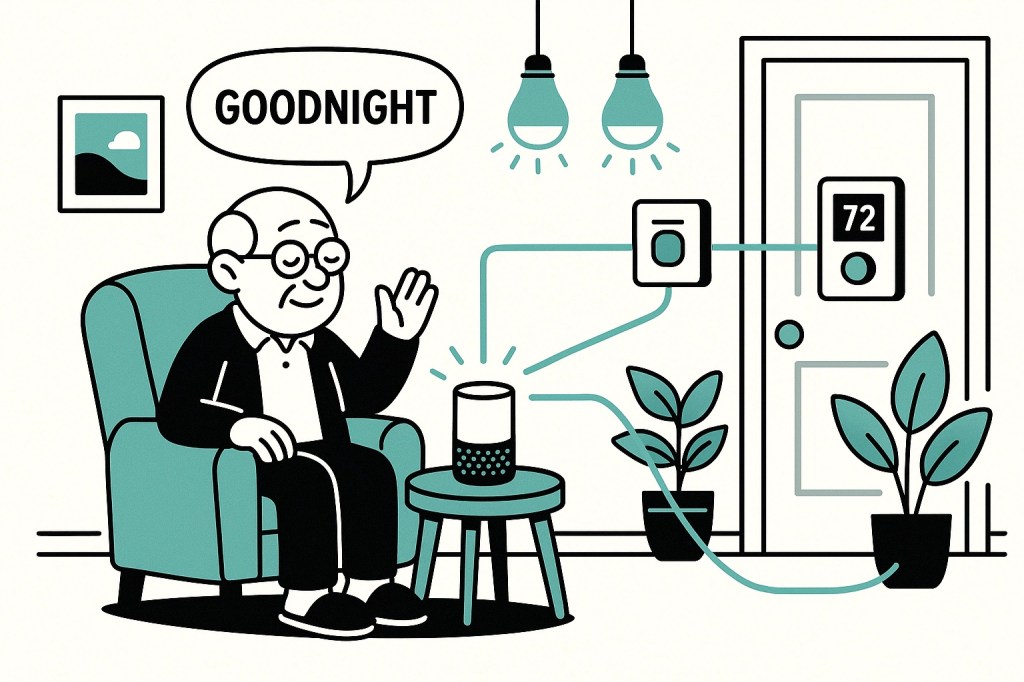
“Alexa, goodnight” might turn off the lights, lock the doors, lower the thermostat, and arm the security system: all with one simple command. For someone with limited mobility, this kind of integration isn’t just convenient; it’s genuinely life-changing.
Safety Features Built Right In
The best senior-friendly devices include safety features that work automatically, without requiring any action from your parent. Motion sensors that track daily routines, fall detection that can call for help, or systems that notice if someone hasn’t moved around the house in an unusual amount of time.
These features provide peace of mind for both seniors and their families, creating an invisible safety net that’s always there but never intrusive.
Real-Life Success Stories
Let me tell you about Margaret, whose daughter Lisa set up a simple voice assistant system. At first, Margaret was skeptical: she’d never used anything “smart” before. But Lisa started with just weather reports and setting cooking timers.
Within a month, Margaret was using voice commands to call her grandchildren, play her favorite music, and get reminders for her medications. The game-changer? She could control her smart lights and thermostat without getting up, which became especially important during her recovery from hip surgery.
The key was choosing devices with clear audio feedback, simple setup, and the ability to grow with Margaret’s confidence. No tiny buttons, no confusing apps: just voice control that worked reliably every time.
Making the Right Choice for Your Family
When you’re shopping for senior-friendly smart devices, look for these must-have features:
Voice control that responds reliably to natural speech patterns
Physical buttons that are large, clearly marked, and easy to press
Simple screens with large text and high contrast
Audio feedback that confirms commands and responses
Integration capabilities that let multiple devices work together
Safety features that provide peace of mind without complexity
Remember, the goal isn’t to find the most advanced technology: it’s to find technology that your parent will actually use and benefit from. Sometimes that means choosing the simpler option, and that’s perfectly okay.
The most important thing? Start small, be patient, and celebrate the wins. When your parent successfully uses voice control to turn on the lights or call you, that’s not just technology working: that’s independence and confidence growing.
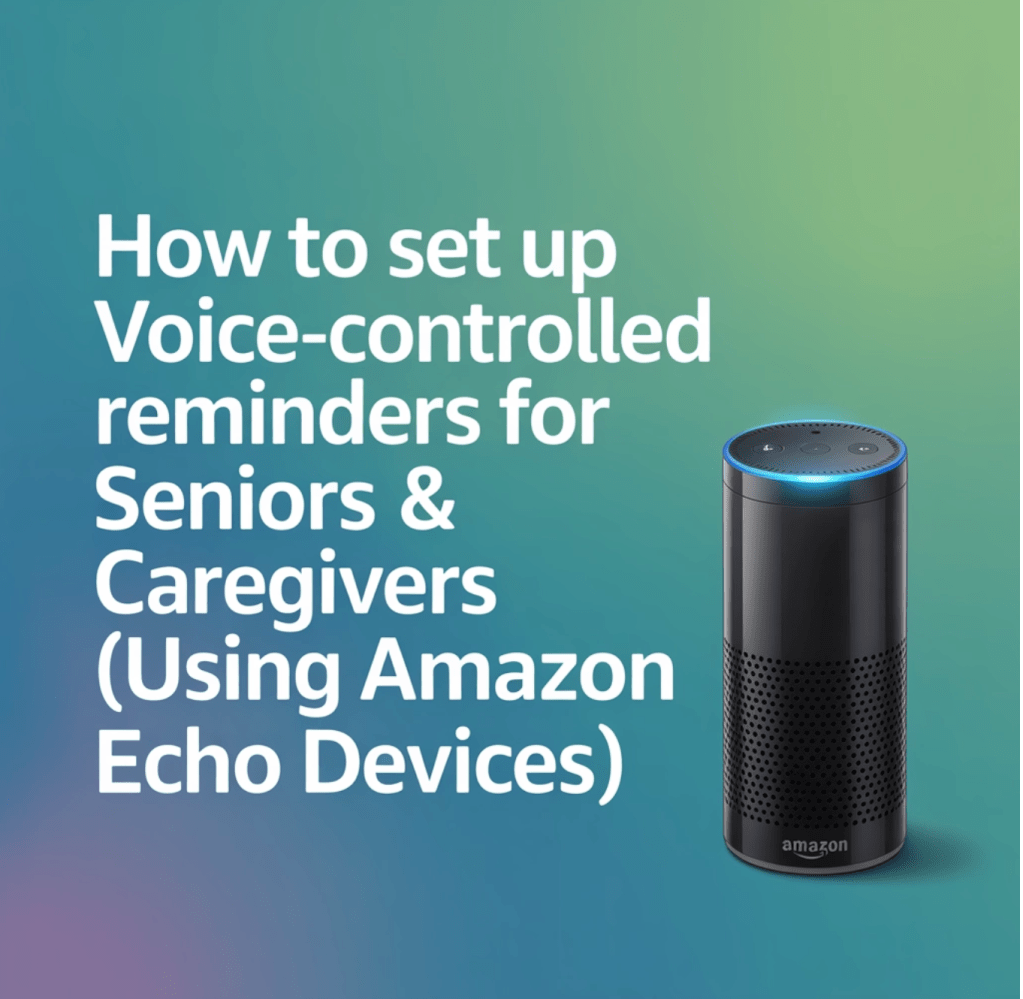
Ready to explore some specific senior-friendly options? Check out our guides on setting up voice-controlled reminders and simple tech solutions that don’t overwhelm. Because when technology truly works for seniors, everyone wins.

 The Smart Home Lady
Leave a comment