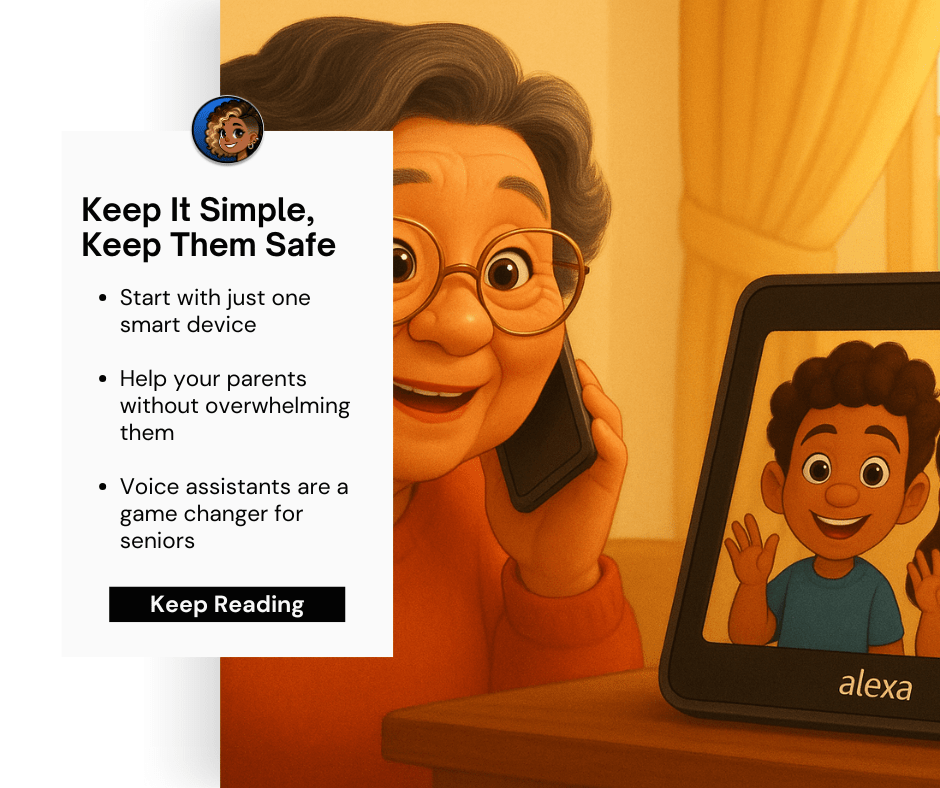
How to Use Smart Home Tech to Help Your Aging Parents (Without Overwhelming Them)
Hey there, caregiver superhero 👋 — I see you.
You’re juggling work, your own family, and now also trying to make sure Mom or Dad can live comfortably and safely in their home. If you’re feeling a bit guilty, overwhelmed, or downright clueless about how to add “smart home tech” to the mix, take a deep breath—you are not alone, and help is here.
I’m Erin Bryant, The Smart Home Lady, and today we’re diving into one of the most common questions I get from folks like you:
“How can I help my aging parents live safely at home without turning their house into a sci-fi movie set?”
Let’s talk about how to ease the load using smart, simple tools that work with their routines (and yours).
Start Smart: Why One Device Is Better Than Ten
Smart homes don’t need to be complicated. In fact, for older adults—especially those with limited mobility, low vision, or cognitive changes like early-stage dementia—less is often more.
🎯 Here’s my golden rule: Start with one easy device that helps solve a real problem.
For example:
- Is your parent missing phone calls or forgetting appointments?
- Are you worried they can’t reach you in an emergency?
- Do they struggle with remembering medication?
If you instantly answered “Yes!” to any of those, a smart speaker or voice assistant can be a total game-changer.
Smart Speakers: Your Parents’ New Best Friend (Seriously)
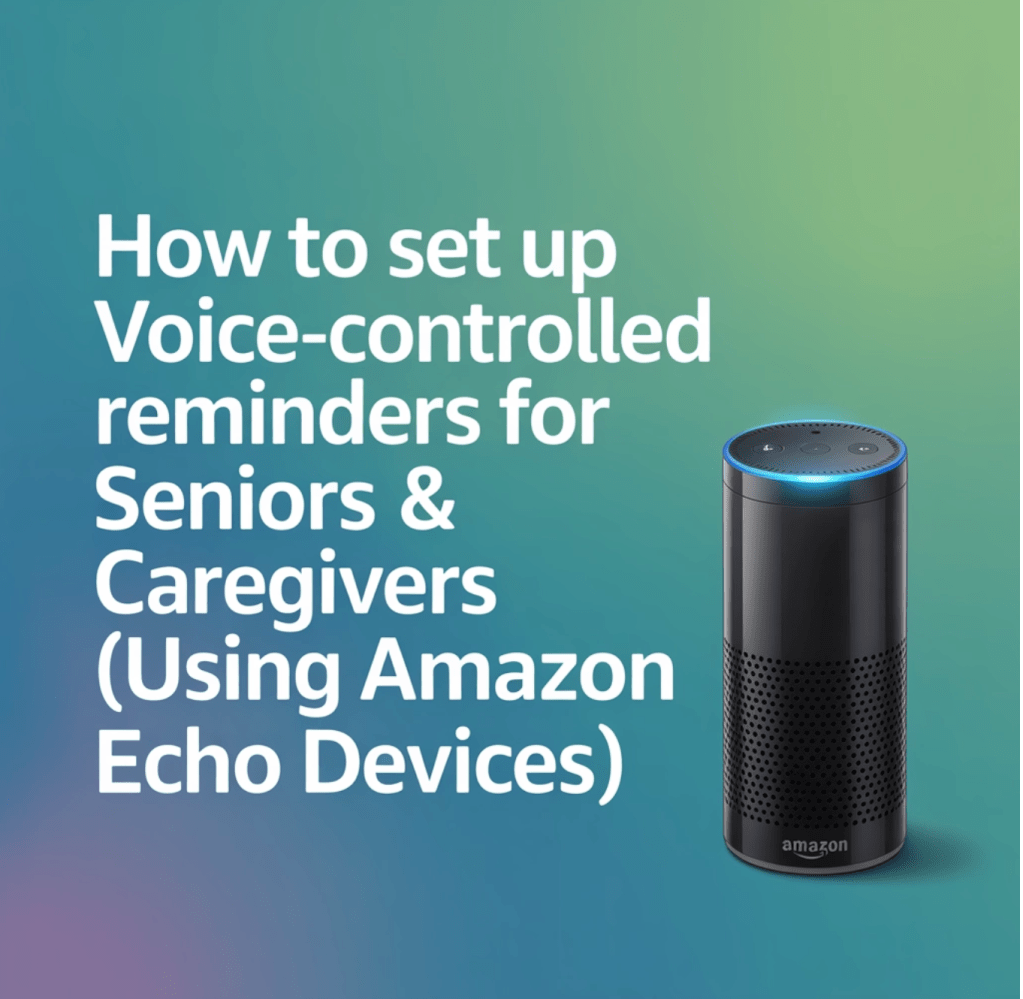
You might be surprised how much seniors love these little talking boxes once they try them. Devices like the Amazon Echo Dot and Google Nest Hub are designed with ease-of-use in mind—even if your dad is “allergic to technology.”
Why Voice Assistants Work Well for Seniors:
- 🗣️ Hands-free everything: “Alexa, call my daughter,” or “Hey Google, what time is it?”
- 💊 Medication reminders: Schedule custom alerts like “Mom, it’s time for your blood pressure meds.”
- 📞 Instant communication: Make voice or video calls you can answer hands-free—no fumbling for the phone.
- 🧠 Brain-boosting fun: Trivia, music, audiobooks, news—they provide mental stimulation & conversation.
Even if your parent has mild cognitive decline, daily routines and gentle voice prompts can bring comfort and structure. One client’s mother with early-stage dementia started using Alexa timers to manage her day, and she told me, “Alexa keeps me company during breakfast!”
🚨 Bonus: Some devices can even call emergency contacts with the right setup or integrations. So it’s more than bells and whistles—it’s peace of mind.
Addressing the Elephant in the Living Room: Privacy
Ah yes, the “Are they listening to me?” question. It comes up all. the. time.
Here’s the honest truth: Yes, smart assistants do listen—but they’re not nosy. They listen only for the wake word (“Alexa” or “Hey Google”) and then activate.
That said, you and your parents deserve control over your data.
How to Protect Their Privacy:
- ✔️ Mute the mic when not in use (most devices have a physical button)
- ✔️ Delete voice history regularly through the app
- ✔️ Adjust settings to minimize what’s stored—both Amazon and Google provide these in their privacy dashboards
- ✔️ Stick to reputable brands (no sketchy knock-offs)
Think of it like letting a helpful neighbor in—but only when you ask them.
Gentle Onboarding (Because Tech Shouldn’t Be Scary)
You wouldn’t drop your parents into a new city without a map and expect them to find their way—but many people do just that with tech. Big mistake.
Instead, think small and steady:
- ➡️ Start with just one device (like an Amazon Echo Show in the kitchen)
- ➡️ Teach one or two commands: “Play music,” “What’s the weather?”
- ➡️ Write a cheat sheet and tape it to the wall (“Say this to Alexa to call me”)
- ➡️ Be available for gentle tech support (video calls work great here)
- ➡️ Celebrate little wins: “Hey Mom, you remembered how to set a timer!”
Over time, you can add more tools—a smart plug for the lamps, motion sensors for safety—but only once the first device feels like second nature.
Remember: This is about comfort, not control.
Recommended Smart Devices for Aging Parents
Here are three devices I recommend to my clients again and again. Yes, I may earn a small commission if you use these [affiliate links]—but I only suggest what I’d buy for my own mom. ❤
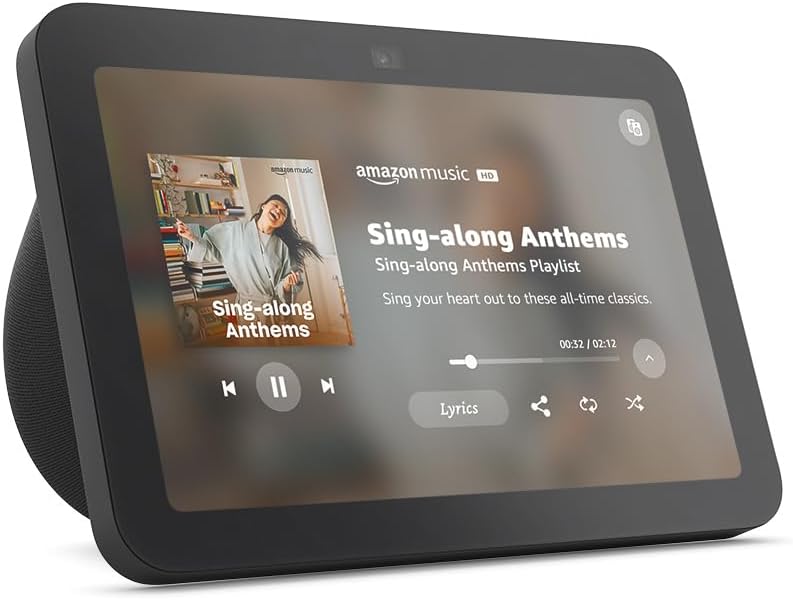
🟢 Amazon Echo Show 8 — ~$110
- Best for: All-in-one voice assistant with visual features—calendar reminders, weather, medication alerts, and video calls
- Why seniors like it: Large, easy-to-read screen + simple voice commands = win
- Bonus: Doubles as a digital photo frame to keep family close
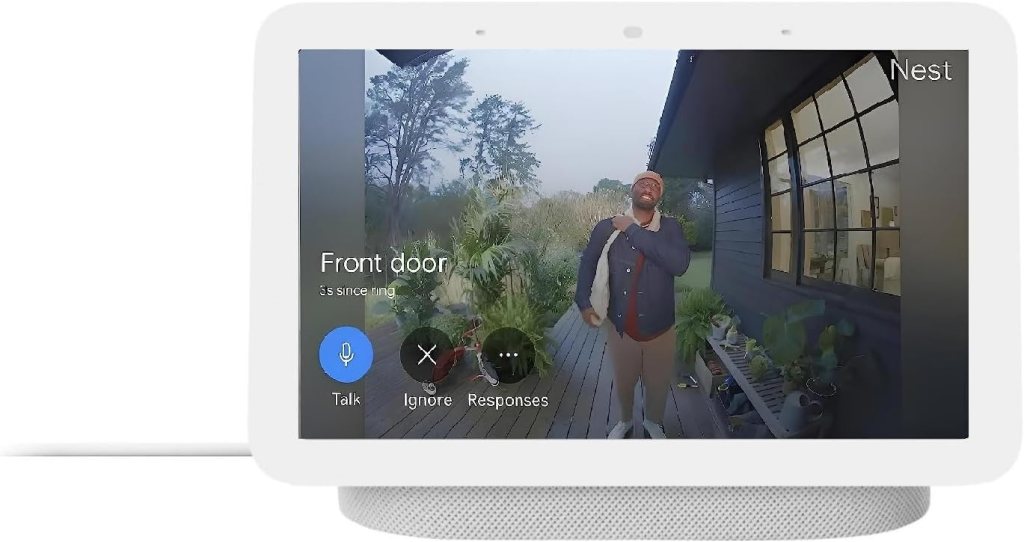
🟪 Google Nest Hub (2nd Gen) — ~$100
- Best for: Seniors who prefer Google’s ecosystem and want a sleek visual hub
- Why caregivers love it: Quiet sleep tracking, calendar syncing, and family photo display
- Bonus: Easy integration with other Google-compatible smart devices
Pro tip: If cost is a hurdle, check if your state has assistive technology programs. Some Medicare Advantage plans may also cover certain devices.
Your Next Step: Make a Plan You Can Stick To
Smart home technology isn’t about gadgets—it’s about giving your loved ones independence, dignity, and a little less worry for you.
But you don’t have to figure it all out alone.
🎁 I’ve created a handy PDF just for you:
👉 Download “5 Essential Smart Devices to Keep Your Loved Ones Safe” (Free!)
Inside, you’ll find:
- My personally-vetted product guide
- Easy setup tips anyone can follow
- Peace-of-mind checklists for caregivers
Because you (and your parents) deserve a home that’s safe, comfortable, and just the right amount of smart.
You’ve got this. And I’ve got your back.
With love and light switches,
—Erin Bryant,
The Smart Home Lady 💡💛
Let’s connect on Facebook | @TheSmartHomeLady
Need help setting up? Reach out for a consultation!

 The Smart Home Lady
Leave a comment