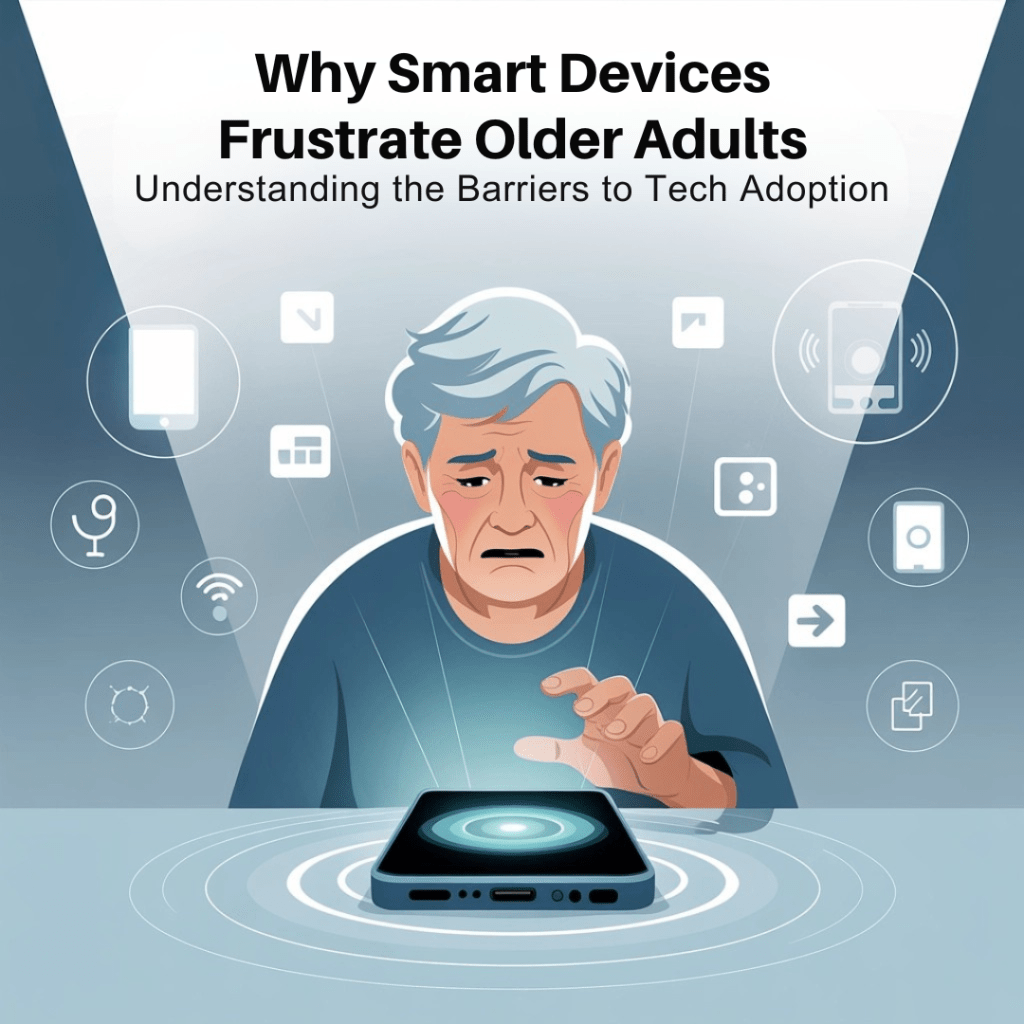
You bought your mom the “perfect” smart device. Maybe it was a voice assistant to help with reminders, or a simple tablet for video calls with the grandkids. You spent time setting it up, walked her through it twice, and left feeling pretty good about yourself.
Fast forward two weeks: the device is sitting unused on her kitchen counter, probably unplugged. When you ask about it, you get “It’s too complicated” or “I don’t need all that fancy stuff.”
Sound familiar? You’re definitely not alone.
Here’s the thing, it’s not that our parents are “bad with technology” or being stubborn. There are real, valid reasons why smart devices can feel overwhelming and frustrating for older adults. Understanding these barriers is the first step toward finding solutions that actually work for everyone.
The Physical Reality: When Bodies Change, Technology Stays the Same
Let’s start with something we don’t always think about: aging isn’t just about getting older, it changes how we interact with the world around us.
Vision gets tricky. Those tiny fonts and low-contrast screens that seem fine to us? They can be nearly impossible for someone dealing with age-related vision changes. Imagine trying to read gray text on a white background when your eyes aren’t what they used to be. Or trying to tap precisely on a small touchscreen button when your depth perception has shifted.
Hearing changes everything. Audio instructions become muffled. Phone calls through speakers might sound unclear. Even those “helpful” voice prompts from devices can be hard to understand, especially if there’s any background noise.
Hands don’t cooperate like they used to. Arthritis, tremors, or just general changes in dexterity can make swiping, typing, or pressing small buttons genuinely difficult. What feels like a simple gesture to us might require real effort and concentration for someone else.

The frustrating part? Most smart devices aren’t designed with these realities in mind. They’re created by (and often for) younger people who assume everyone has perfect vision, hearing, and motor skills.
The Fear Factor: When “Oops” Feels Catastrophic
Here’s something that might surprise you: one of the biggest barriers isn’t inability: it’s fear.
The fear of breaking something. Your dad might worry that pressing the wrong button will somehow “ruin” the expensive device you bought him. This isn’t silly: it’s based on experience with technology that used to be less forgiving.
The fear of making expensive mistakes. What if they accidentally buy something online? What if they delete important photos? What if they somehow mess up the internet for the whole house? These concerns might seem overblown, but they feel very real when you’re not confident with technology.
The fear of looking foolish. Nobody wants to feel stupid, especially in front of family. If a device makes someone feel confused or incompetent, they’re likely to just avoid using it altogether rather than ask for help again.
Think about it from their perspective: would you want to use something that made you feel frustrated and incompetent every time you touched it?
The Privacy Puzzle: Trading Independence for Surveillance
Smart devices often come with a hidden emotional cost that we don’t always consider: the feeling of being watched or monitored.
Many older adults worry about privacy: and rightfully so. Smart speakers that are always listening, devices that track movement and habits, cameras that can be accessed remotely. For someone who’s spent decades valuing their independence and privacy, this can feel invasive rather than helpful.
There’s also the stigma factor. Wearing a medical alert pendant or using devices that are obviously “for seniors” can feel like admitting defeat or broadcasting vulnerability. It’s similar to how using a walking aid or hearing aid can feel: practical but emotionally challenging.
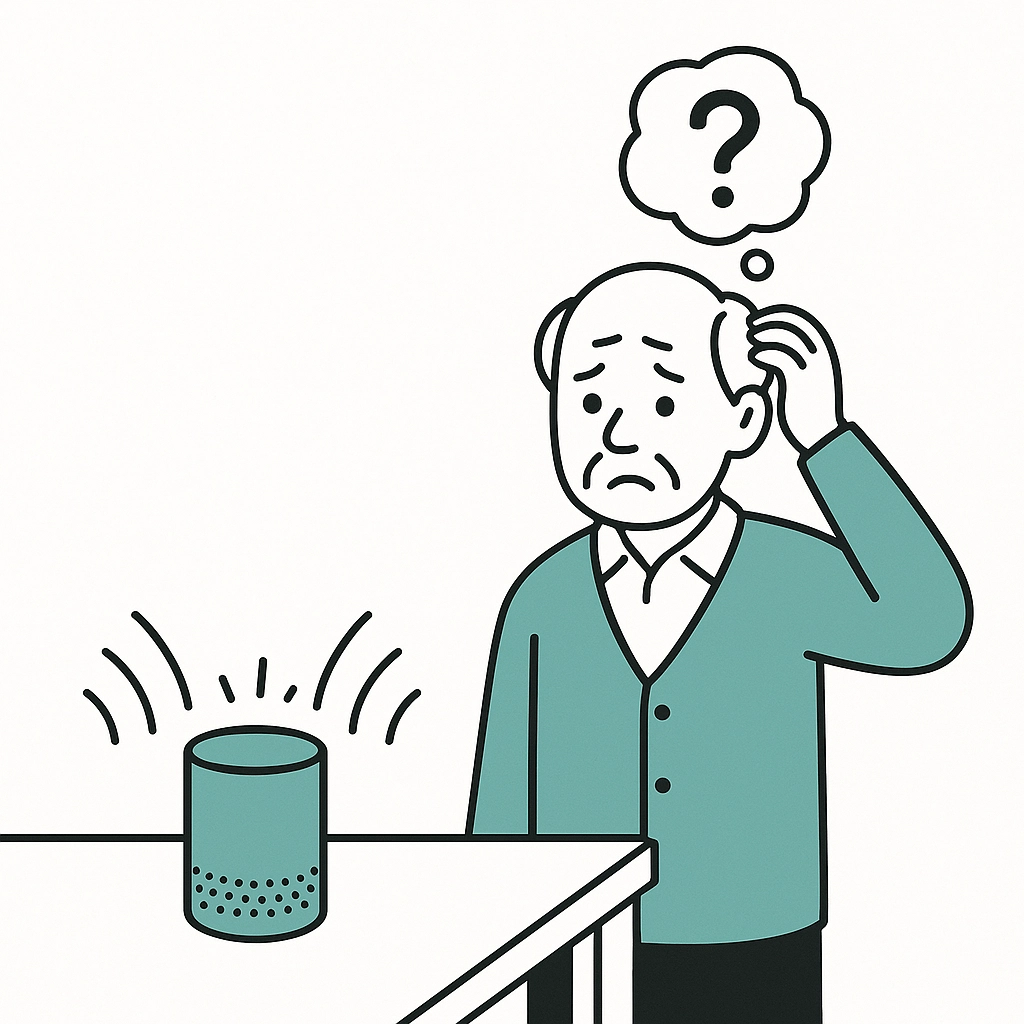
The Complexity Trap: When “Simple” Isn’t Actually Simple
Here’s where we often get it wrong: what seems intuitive to us can feel impossibly complex to someone else.
Too many options. Modern devices often try to do everything, which means lots of menus, settings, and features. For someone who just wants to make a phone call or set a reminder, all those extra capabilities can feel overwhelming rather than helpful.
Inconsistent interfaces. Every app works differently. Every device has its own logic. Just when someone learns how to do something one way, they encounter a different device that does the same thing completely differently.
Assumed knowledge. Tech designers often assume users know things like “swipe up from the bottom” or “double-tap to activate.” These aren’t universal human instincts: they’re learned behaviors.
The Social and Economic Reality Check
Not everyone has the same resources or opportunities to learn new technology.
The digital divide is real. Reliable internet, updated devices, and tech support aren’t equally accessible to everyone. Someone living on a fixed income might be using an older device that doesn’t work well with newer smart home technology.
Learning opportunities vary. Not everyone has tech-savvy family members nearby, access to classes, or the time and energy to figure things out through trial and error.
Past experiences matter. Someone who’s had frustrating experiences with technology in the past (a computer that crashed and lost everything, a phone that stopped working without warning) might be understandably cautious about trying new devices.
The “Why Should I?” Factor
Sometimes the barrier isn’t inability or fear: it’s simply lack of motivation.
If someone has been living happily without smart devices, it can be hard to see why they should invest the time and energy to learn something new. Especially if the benefits aren’t immediately obvious or if the device seems to create more problems than it solves.
This isn’t stubbornness: it’s a reasonable cost-benefit analysis. Learning new technology requires mental energy, and if the payoff isn’t clear, why bother?

What This Means for Families (That’s You!)
Understanding these barriers changes everything about how we approach smart home technology for our parents.
It’s not about finding the “perfect” device: it’s about finding the right fit for a specific person’s needs, abilities, and comfort level.
Success isn’t measured by how many features get used: it’s measured by whether the technology actually improves daily life without creating stress.
The setup is just the beginning: ongoing support, patience, and adjustment are crucial for long-term success.
Most importantly, these barriers remind us that good intentions aren’t enough. We need to approach smart home technology with empathy, realistic expectations, and a willingness to try different solutions until we find what works.
Moving Forward with Understanding
The good news? Understanding these barriers is the first step toward overcoming them. When we know what we’re dealing with, we can make smarter choices about devices, better plans for implementation, and more realistic timelines for success.
Your parent isn’t being difficult when they struggle with smart devices: they’re dealing with real challenges that deserve real solutions.
Ready to move beyond frustration toward solutions that actually work? Tomorrow, we’ll dive into the specific features and approaches that make smart devices genuinely senior-friendly. Because when technology meets people where they are, amazing things can happen.
What barriers have you noticed with your own family? Understanding your specific situation is the key to finding technology solutions that truly help rather than frustrate. Check out our guide to simple tech for parents for more practical insights on making technology work for the whole family.

 The Smart Home Lady
Leave a comment